Free POS system that powers your whole business

Take payments, monitor your sales in real time, manage inventory, and oversee your team — all from one place.

Loyverse POS on phone and tablet
Global merchant community

Businesses worldwide grow with Loyverse

From first sale to repeat customer, Loyverse helps businesses thrive.

350,000+

active merchants

170+

countries

$31B

annual sales

30+

languages available

Commerce tools that work together

Built to run every part of your business

Point of sale

Point of sale

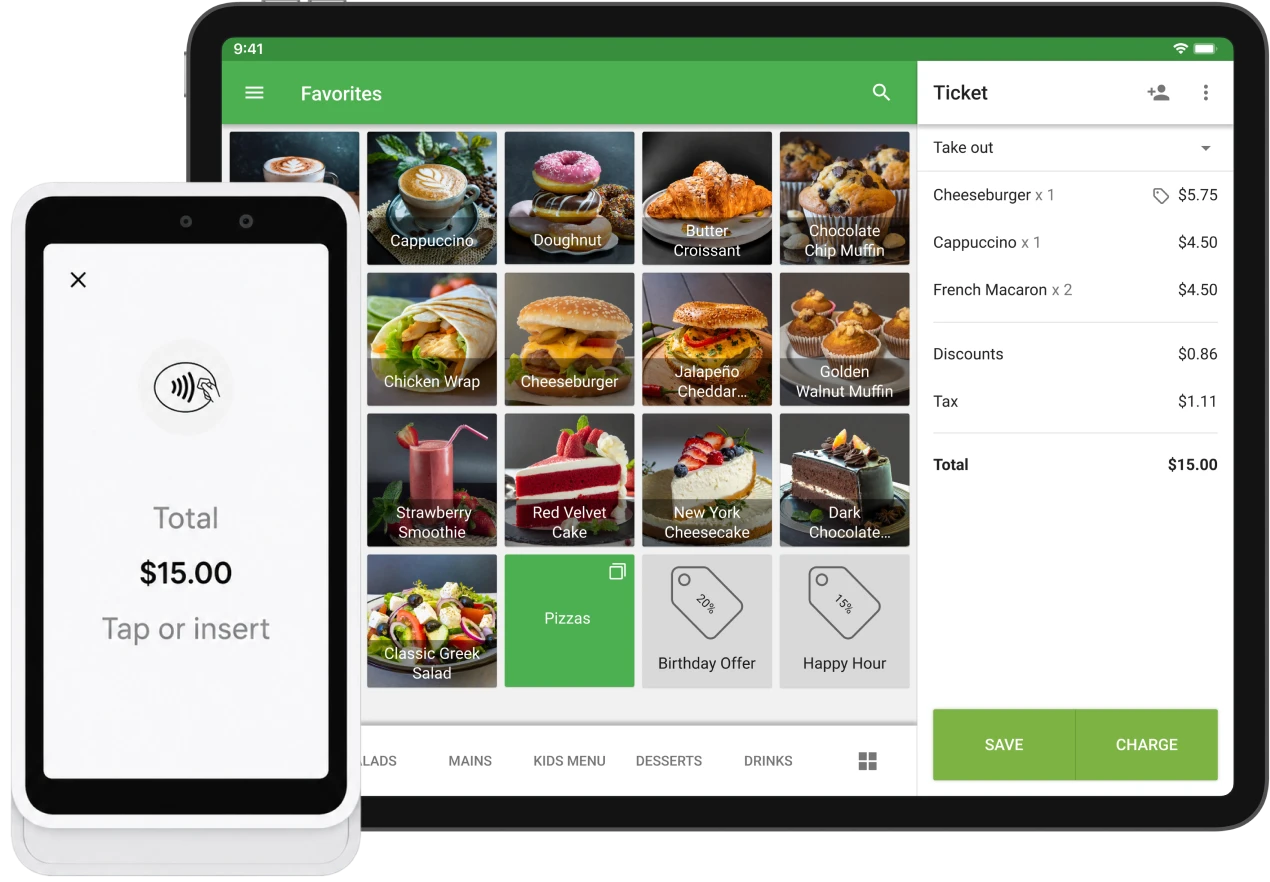
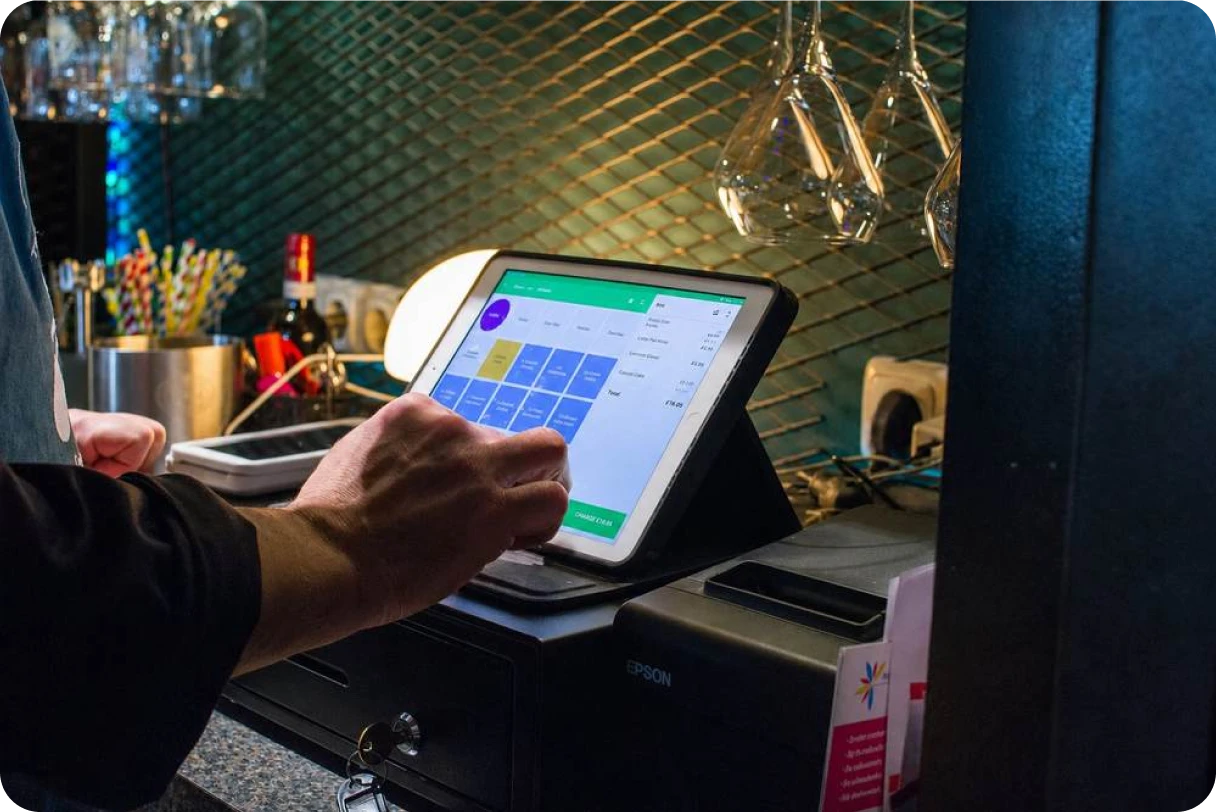
Transform your smartphone or tablet into an easy-to-use point of sale

  • Issue printed or electronic receipts
  • Apply discounts and issue refunds
  • Keep recording sales even when offline
  • Connect a receipt printer, barcode scanner, and cash drawer
  • Connect Loyverse Customer Display and Kitchen Display apps
Explore Loyverse Point of Sale

Payments

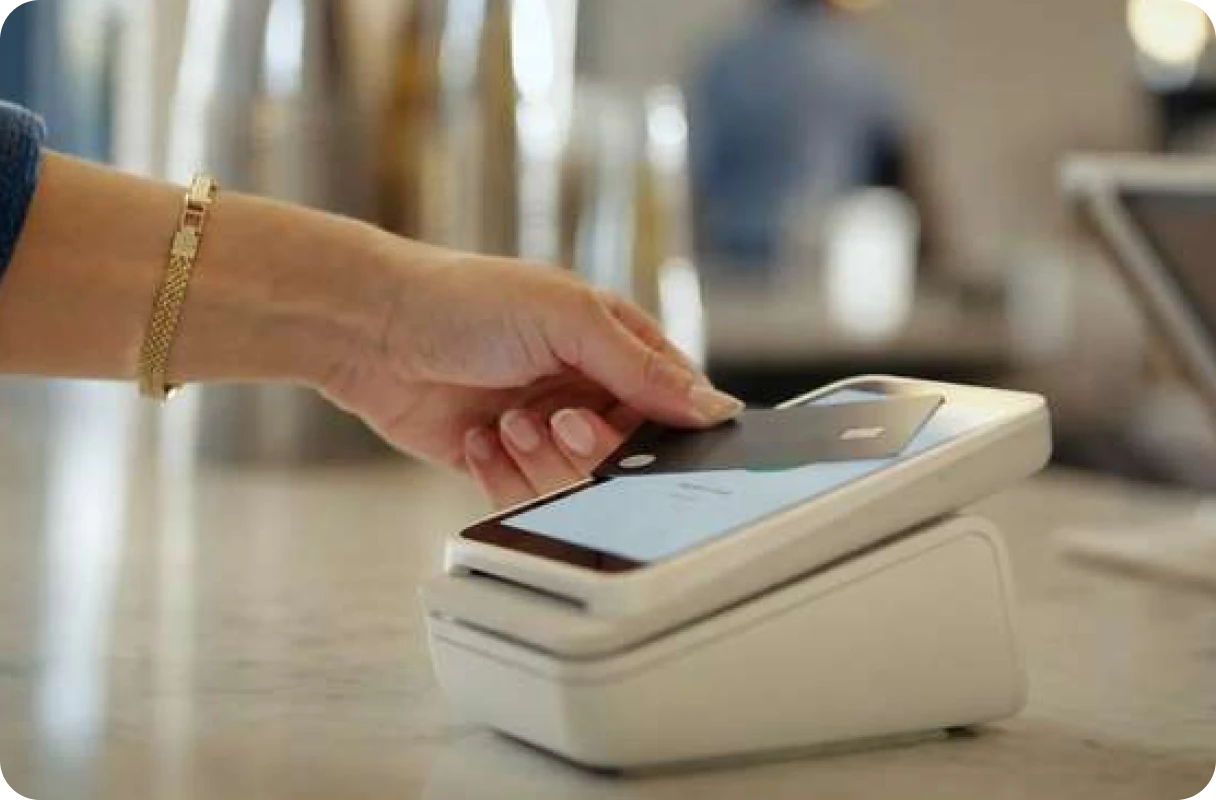
Card payments built into your POS — no separate provider to manage.

  • Accept cards with a reader or Tap to Pay on your phone
  • Sale totals are sent to the payment device automatically, without double entry
  • Track sales, payments, and payouts in one place
Explore Loyverse Payments
Payments
Sales analytics

Sales analytics

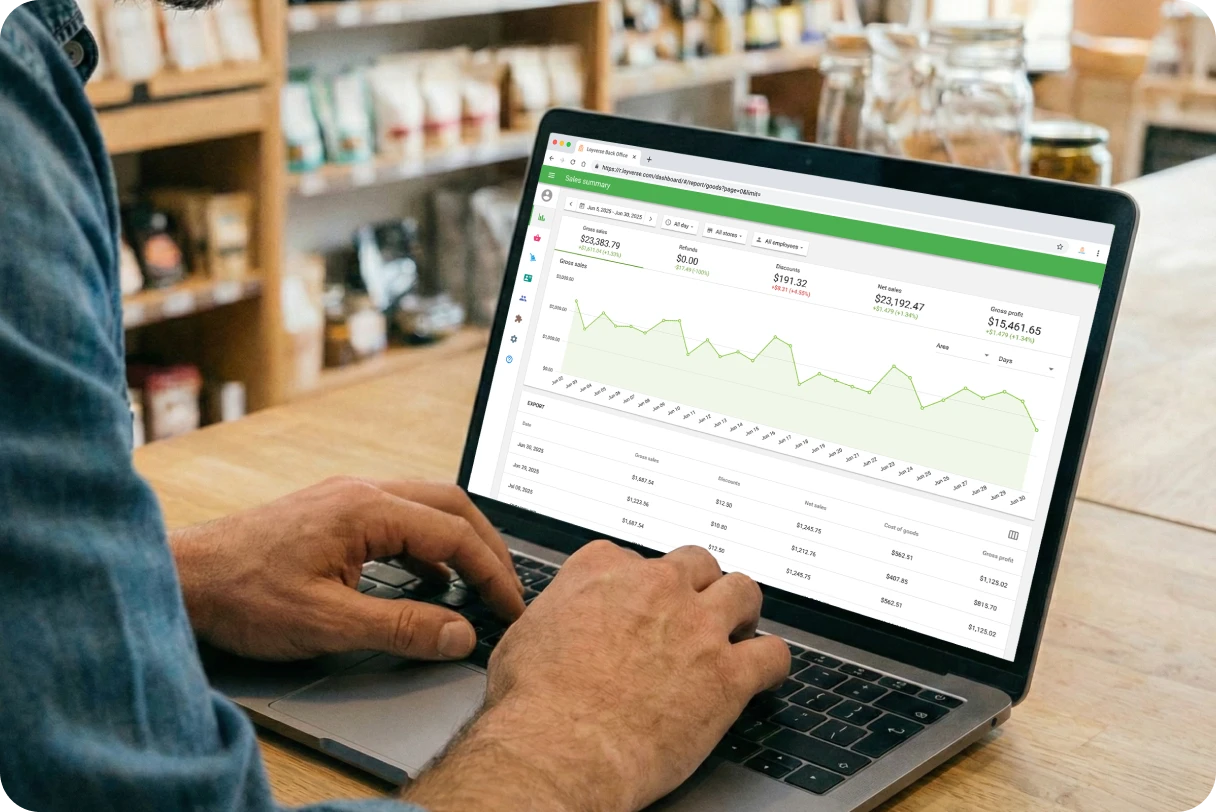
Access your reports from a smartphone, tablet, or computer — anytime, anywhere

  • View revenue, average sale, and profit
  • Track sales trends and react to changes promptly
  • Determine best-selling items and categories
  • View complete sales history
  • Export sales data to spreadsheets
Explore Loyverse Back Office

Inventory management

Never run out of stock

  • Track stock levels in real time
  • Receive automatic low stock alerts
  • Send orders to suppliers and track stock receipts
  • Transfer stock between your stores
  • Print barcode labels
Explore Inventory Management
Inventory management
Employee management

Employee management

Easily manage your staff and make balanced decisions

  • Track sales by employee and determine best performers
  • Employees clock in and out and their total work hours are calculated automatically
  • Grant different levels of access to protect sensitive information
Explore Employee Management

CRM and customer loyalty

Turn once-in-a-while shoppers into regulars

  • Build your customer base
  • View customer purchase history to provide personalized service
  • Run a loyalty program to reward customers for their recurring purchases
  • Keep notes on valuable customer preferences
Explore Loyalty Program
CRM and customer loyalty
Multi-store management

Multi-store management

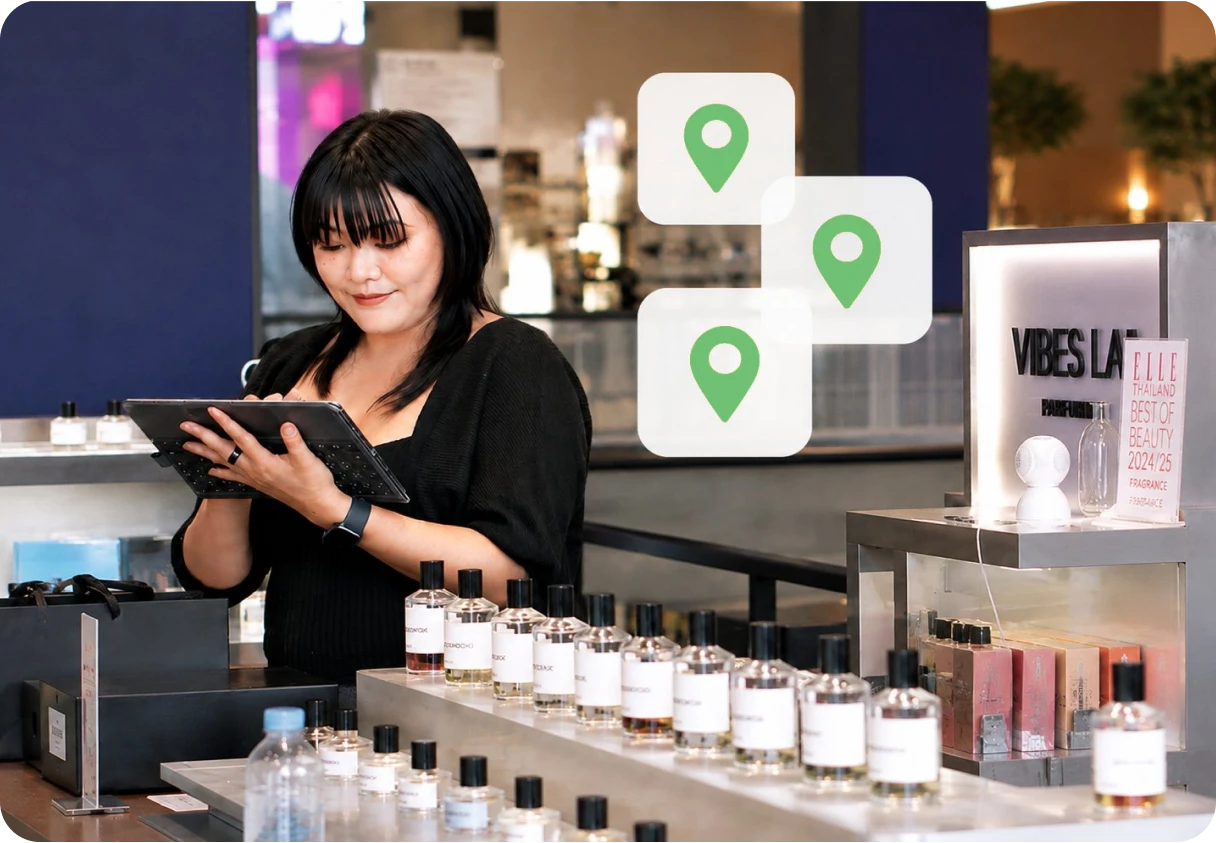
Grow your business from one to hundreds of stores

  • Compare performance of your stores
  • Manage items, employees, and customers across multiple locations with a single account
  • Set up new stores in minutes and keep data synchronized automatically
Integrations

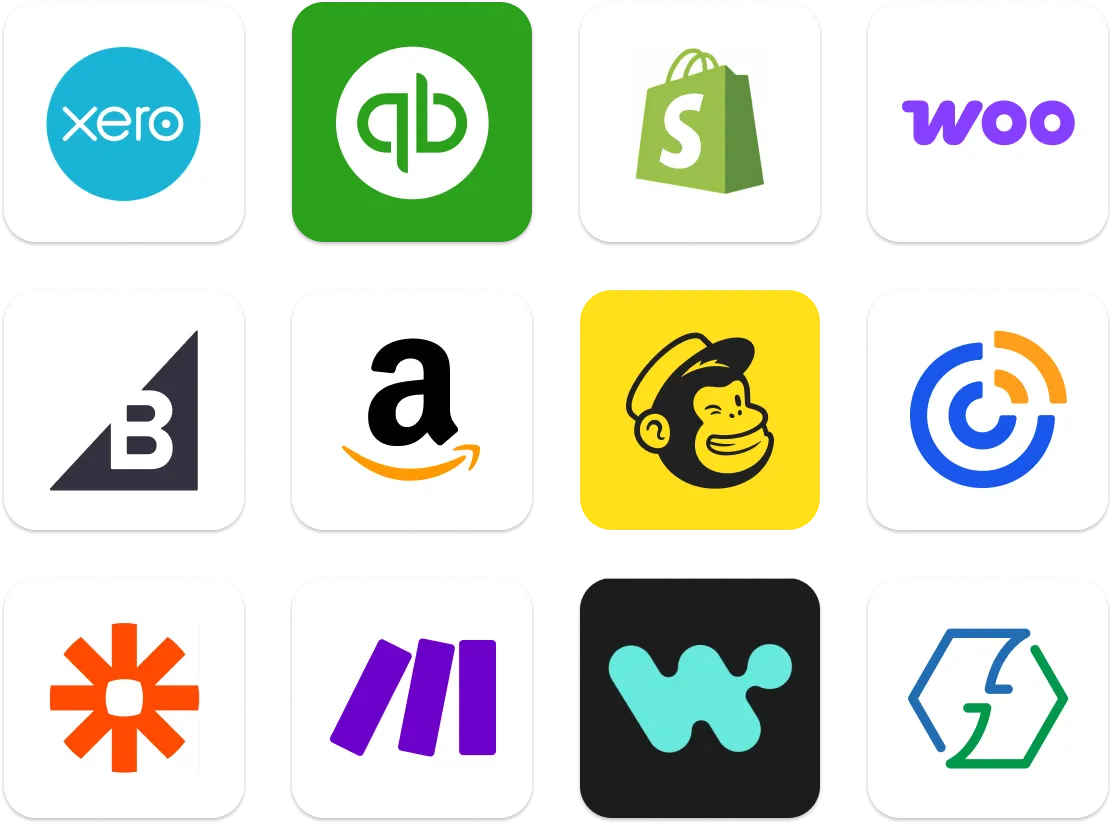
Works with the tools you already use

Connect accounting, eCommerce, marketing, and other apps to keep your business running smoothly.

Browse App Marketplace
Integrations. Connect accounting, eCommerce, marketing, and other apps
Who it's for

Made for businesses like yours

Food & drink

  • Restaurant
  • Café
  • Coffee shop
  • Fast food
  • Pizzeria
  • Bar
  • Bakery

Retail

  • Grocery
  • Convenience
  • Liquor
  • Fashion & clothing
  • Jewelry
  • Kiosk

Services

  • Transportation
  • Car wash
  • Salon
  • Rentals
  • Hotels
Café owner, Netherlands
Customer story
I compared POS apps through Google and Reddit, and even spoke with another provider, but it was too expensive. Loyverse met all my expectations. It's affordable, easy to set up, and very intuitive. Being cloud-based, I can track sales from anywhere and review monthly trends to see if we are improving.
Dutch Language Cafe
Café owner, Netherlands

Loyverse POS Q&A

Is Loyverse POS really free?

Yes. Loyverse POS is free to use, including Point of Sale, Sales Analytics (last 31 days), Essential Inventory Management, Loyalty Program, Multi-Store Management, Customer Display, Kitchen Display, and Integrations. Optional paid add-ons are available when you need them — see Pricing for details.

How do I accept card payments?

With Loyverse Payments, card payments are built right into your POS. Take payments on your iPhone or Android with Tap to Pay, or use a Smart Reader — no monthly fees, no long-term commitment, just 2.6% + 15¢ per transaction. Learn more on the Payments page.

What kind of hardware can work with Loyverse POS?

Loyverse POS runs on any iOS or Android smartphone or tablet you already own — no proprietary hardware required. For peripherals like receipt printers, barcode scanners, and cash drawers, see our compatible hardware list.

Does Loyverse POS work offline?

Yes. Loyverse POS keeps recording sales even without an internet connection. All transactions sync to the Back Office when you're back online. Card payments through Loyverse Payments do require an internet connection to process.

Does Loyverse have a loyalty program?

Yes. Loyverse includes a built-in loyalty program — customers earn points with every purchase and can redeem them for discounts at checkout. You set the earning rate from the Back Office.

Run your business with Loyverse

Set up your POS in minutes. No credit card required.