

Restaurant POS
Free restaurant POS for smoother service
Take orders at the table or counter, send them straight to the kitchen and split bills with ease.
Start for freeTrusted by 350,000+ businesses


Orders
Take orders faster
Handle every order with ease, however you serve.
- Add options like toppings, sides and extras in one tap
- Mark orders as dine-in, takeout or delivery
- Keep an order open for each table and add items anytime
- Easily split or merge orders

Loyverse Payments
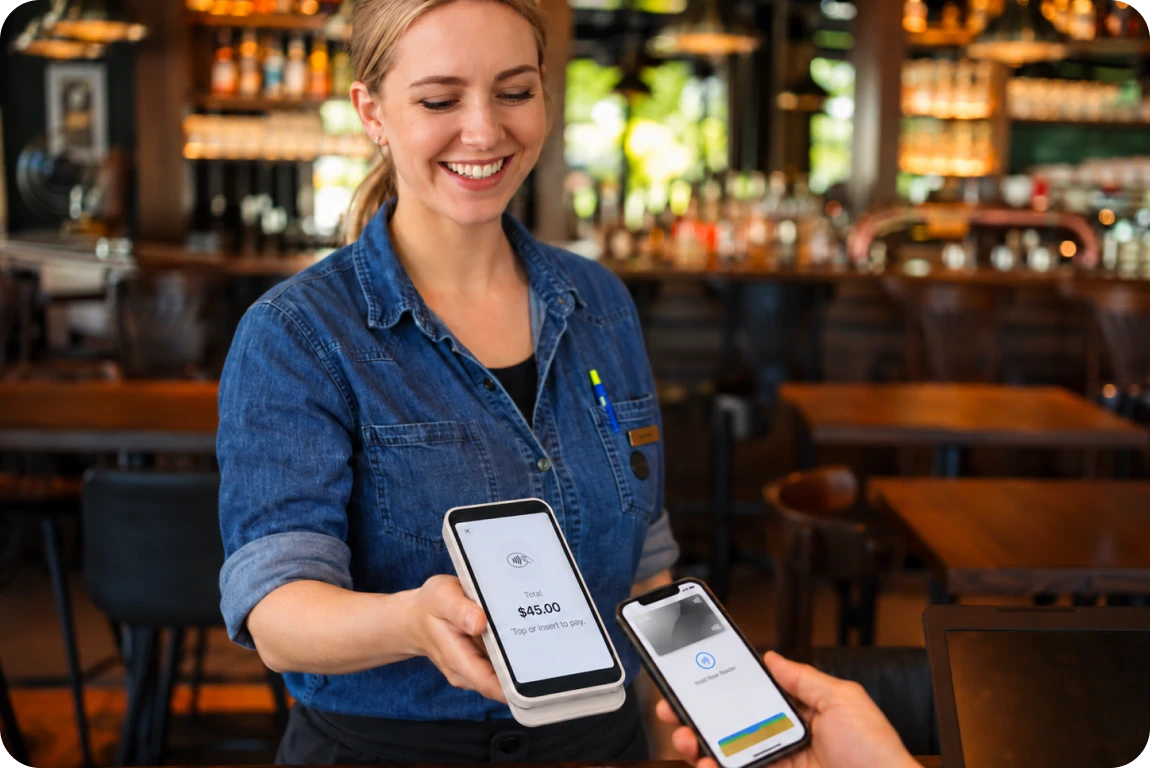
Accept card payments directly in your POS
Take orders and card payments in one system.
- Start on your phone with Tap to Pay, or add a card reader
- 1.99% + 15¢ for debit cards, 2.49% + 15¢ for credit cards
- Track sales, tips, fees and payouts in one place
- Automatic payouts to your bank account every business day
Kitchen display
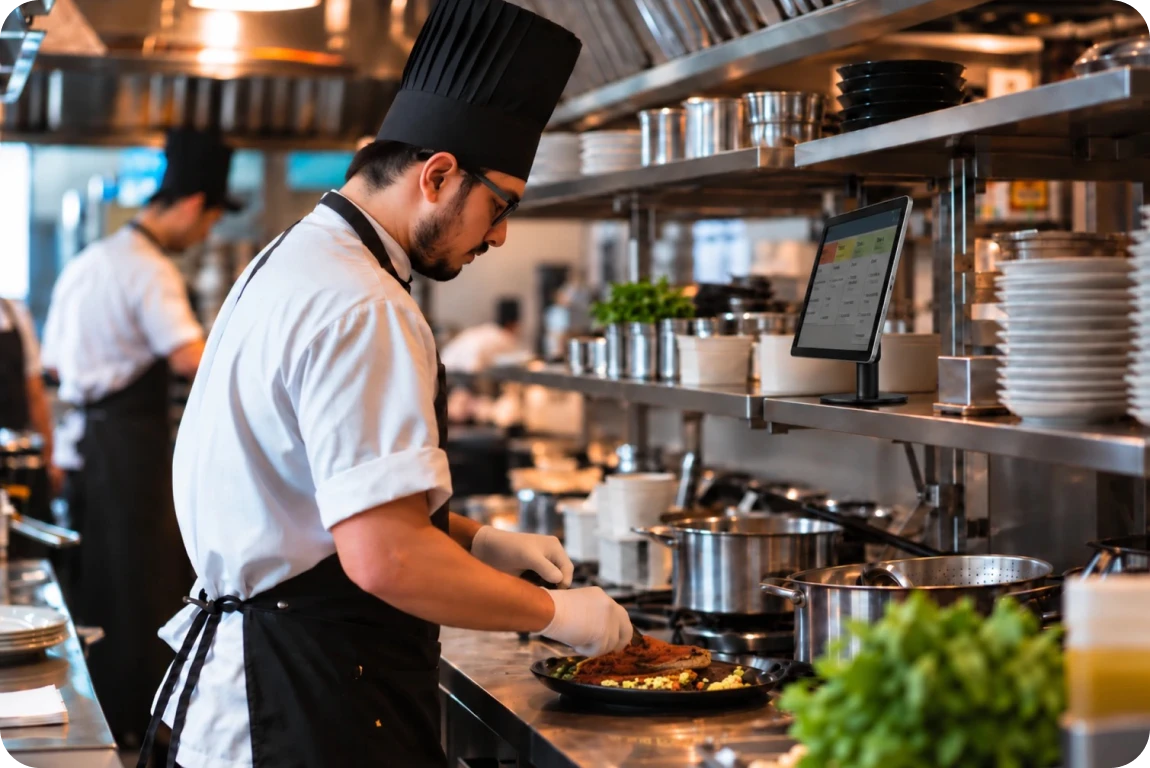
Keep your kitchen in sync
Every item, option and special request, clearly laid out for your kitchen team.
- Send orders to a Kitchen Display or kitchen printer
- Route each item to the right station, such as the kitchen or bar
- Mark items or whole orders complete with one tap
- See how long each order has been open at a glance
Sales reports
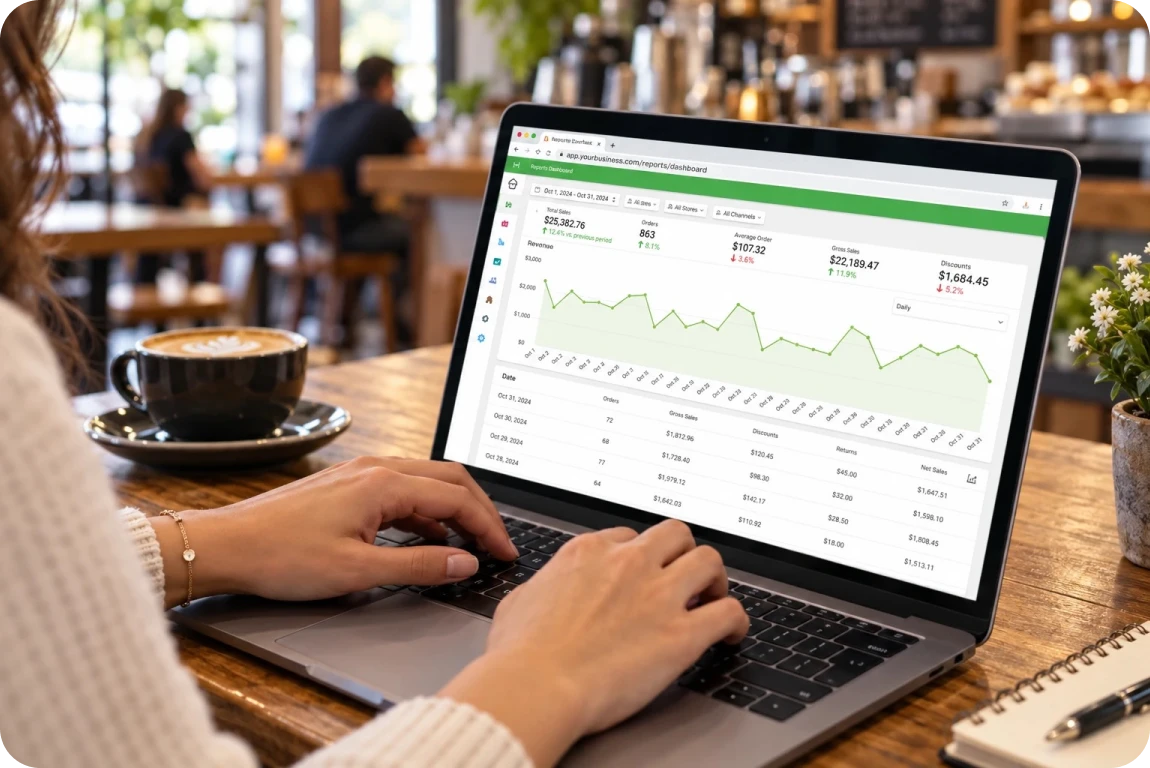
See what’s working in real time
Stay on top of your restaurant’s performance, wherever you are.
- Track sales, average bill and gross profit
- Spot your best-selling items and categories
- Compare sales across days, weeks and months
Inventory
Always know what’s in stock
Keep ingredients and supplies under control so you’re always ready for service.
- Track stock levels in real time
- Get low-stock alerts before you run out
- Automatically deduct ingredients from stock as you sell dishes
- Run inventory counts to keep stock levels accurate
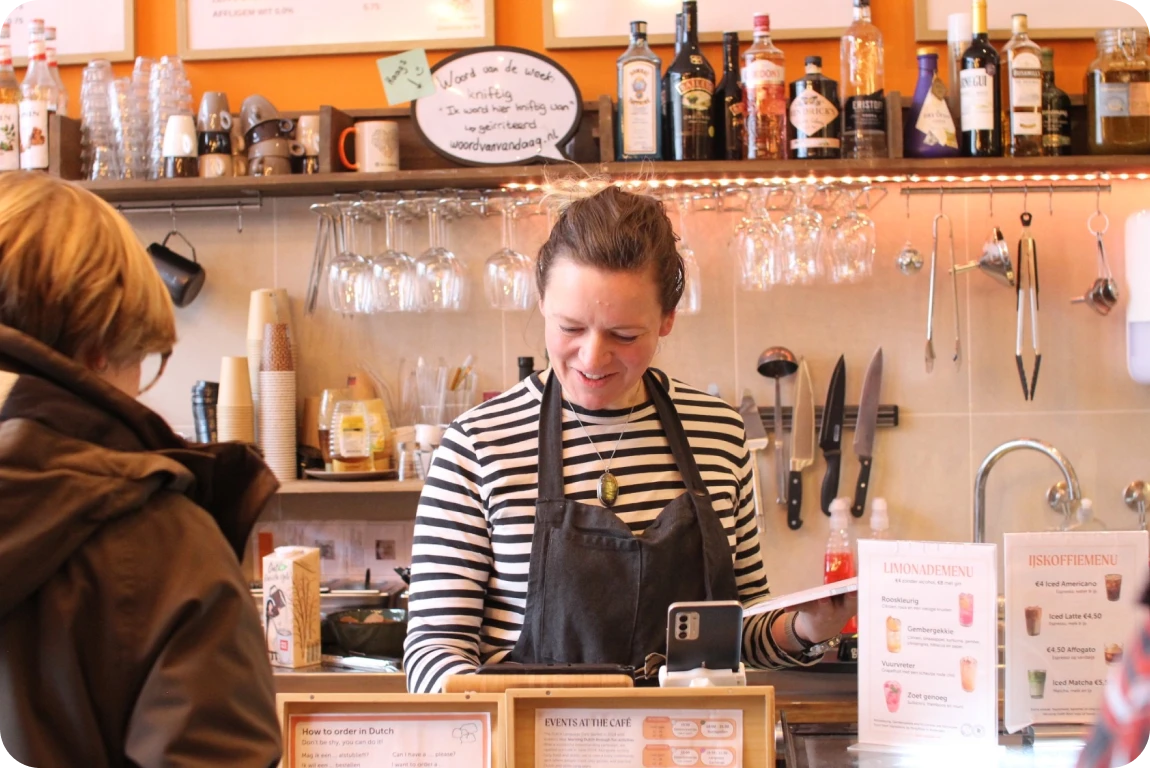
Employees
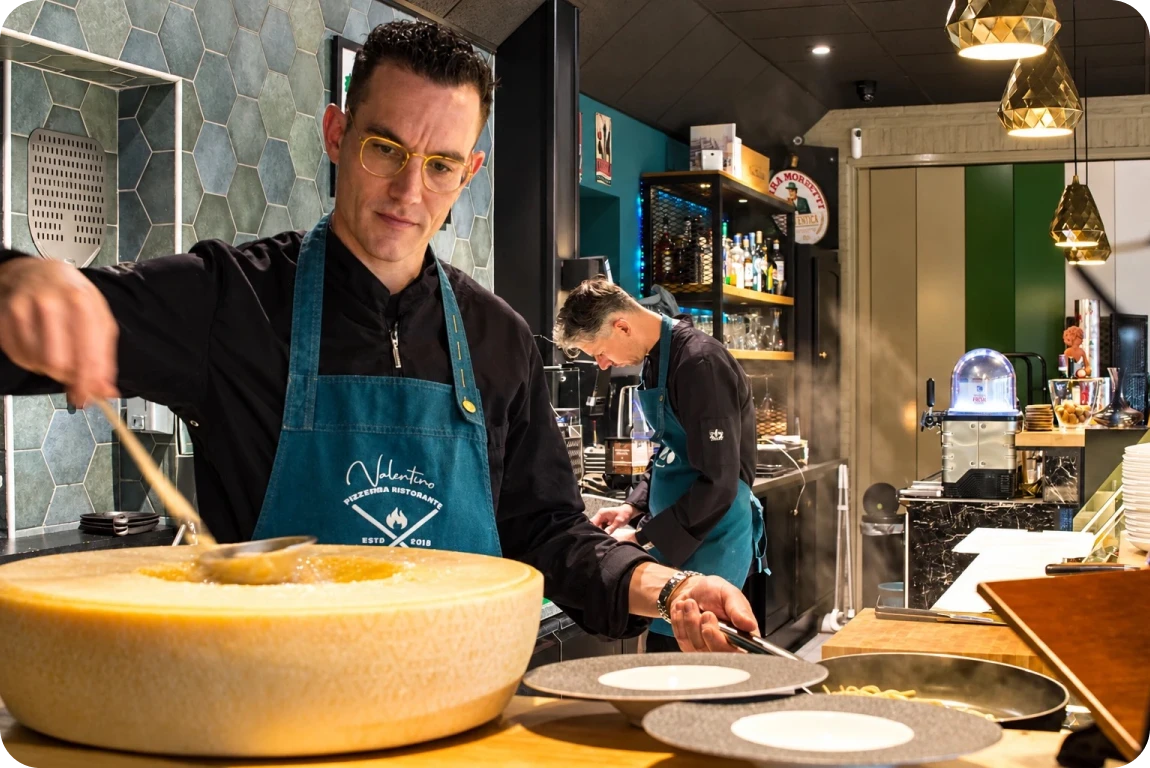
Manage your team with confidence
See performance, track hours and control access.
- Track sales by employee and see your top performers
- Let employees clock in and out, with hours calculated automatically
- Set role-based access to protect sensitive data
Loyalty
Give guests a reason to return
Encourage repeat visits with a free loyalty program.
- Automatically award loyalty points on purchases
- Let guests redeem points for discounts
- Save guest preferences for more personal service








Integrations
Do more with your
restaurant POS
Loyverse connects with apps for accounting, online ordering, delivery, marketing and more.
Browse the App MarketplacePricing
Point of sale software
Free
Pay only for the add-ons you need.
Card processing
1.99% + 15¢
Debit cards
2.49% + 15¢
Credit cards
No monthly fees or long-term contracts.
What restaurant teams say
-
★★★★★
“It has almost all the features you could need — more user-friendly than our previous system.”
via Capterra -
★★★★★
“A great help for us is the kitchen display where there is a separate tablet in our kitchen that automatically shows the orders.”
via Capterra -
★★★★★
“Loyverse helps me to be well informed about my business with accurate and timely reports.”
via Capterra
Restaurant POS Q&A
Is Loyverse really a free POS for restaurants?
Yes. Taking orders at the table or counter, splitting bills, Kitchen Display, Customer Display, Sales Analytics (recent history), Essential Inventory, Loyalty Program, Multi-Store Management and Integrations are all free. Unlimited Sales History, Employee Management and Advanced Inventory are optional paid add-ons. See full pricing →
Can I use my phone or tablet as a restaurant POS?
Yes. You can use a compatible iPhone, iPad, Android phone or tablet you already own. You can also connect a receipt printer, kitchen printer or cash drawer. See compatible hardware →
What is Loyverse Payments?
Loyverse Payments is card processing built right into your POS. Accept Visa, Mastercard, Amex, Discover, Diners Club, Apple Pay, Google Pay and Samsung Pay.
Use Tap to Pay on iPhone and Android or a card reader. Payouts are sent every business day, with funds typically available within 2 business days of the transaction. Explore Loyverse Payments →
How does Loyverse Payments pricing work?
You pay 1.99% + 15¢ per in-person transaction on debit cards and 2.49% + 15¢ on credit cards. Cards issued outside the United States add 1.5% to the applicable rate. There are no monthly fees, statement fees, PCI fees or batch fees. A $20 chargeback fee applies for each dispute.
Does Loyverse work offline?
Yes. You can continue taking orders and printing tickets without internet access. Sales sync automatically with the Back Office when you reconnect. Some features, including card payments through Loyverse Payments, require an internet connection.
What types of restaurants is Loyverse for?
Loyverse works for many types of food businesses, including full-service and quick-service restaurants, pizzerias, food trucks and bakeries — from a single counter to multiple locations.
Why do restaurants choose Loyverse?
Restaurants choose Loyverse for its simple setup, easy-to-use POS and free core features. You can use compatible hardware you already own and pay only for the add-ons you need.
Set up your restaurant POS today
Create your free Loyverse account. No credit card required.
Start for free