
Beejek Digital Receipts

WhatsApp receipts, win-back campaigns & automations for Loyverse stores.
Learn More: https://www.beejek.com/integrations/loyverse/
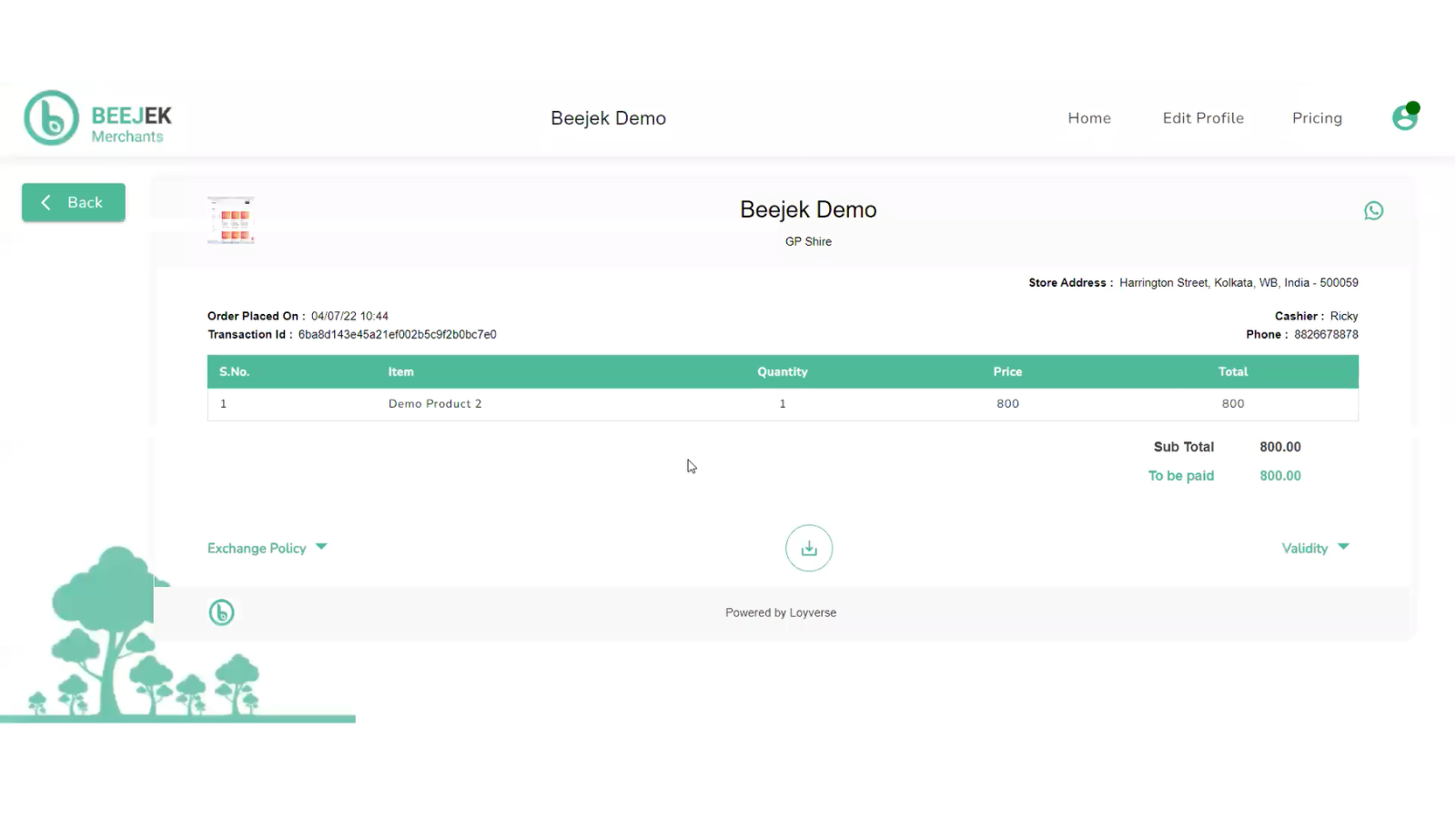
Beejek connects your Loyverse POS to WhatsApp Business, automatically sending a branded digital receipt to every customer the moment a sale is completed. No paper, no app download, no friction for the customer — just a WhatsApp message they already know how to open.
Beyond receipts, Beejek runs automated follow-up sequences that bring customers back without any manual effort: Google review requests, NPS satisfaction surveys, personalised win-back reminders, and broadcast promotions.
Key Benefits
- Digital receipts sent to every customer's WhatsApp instantly on each completed sale
- Automated Google review requests grow your rating passively — one merchant went from 9 to 78 reviews in 6 weeks
- Smart Reminders re-engage lapsed customers at any custom interval you configure (30 days, 90 days, or any number)
- NPS surveys collect customer satisfaction feedback automatically after every sale
- Broadcast Campaigns on WhatsApp to send targeted promotions to your full customer list or a segment
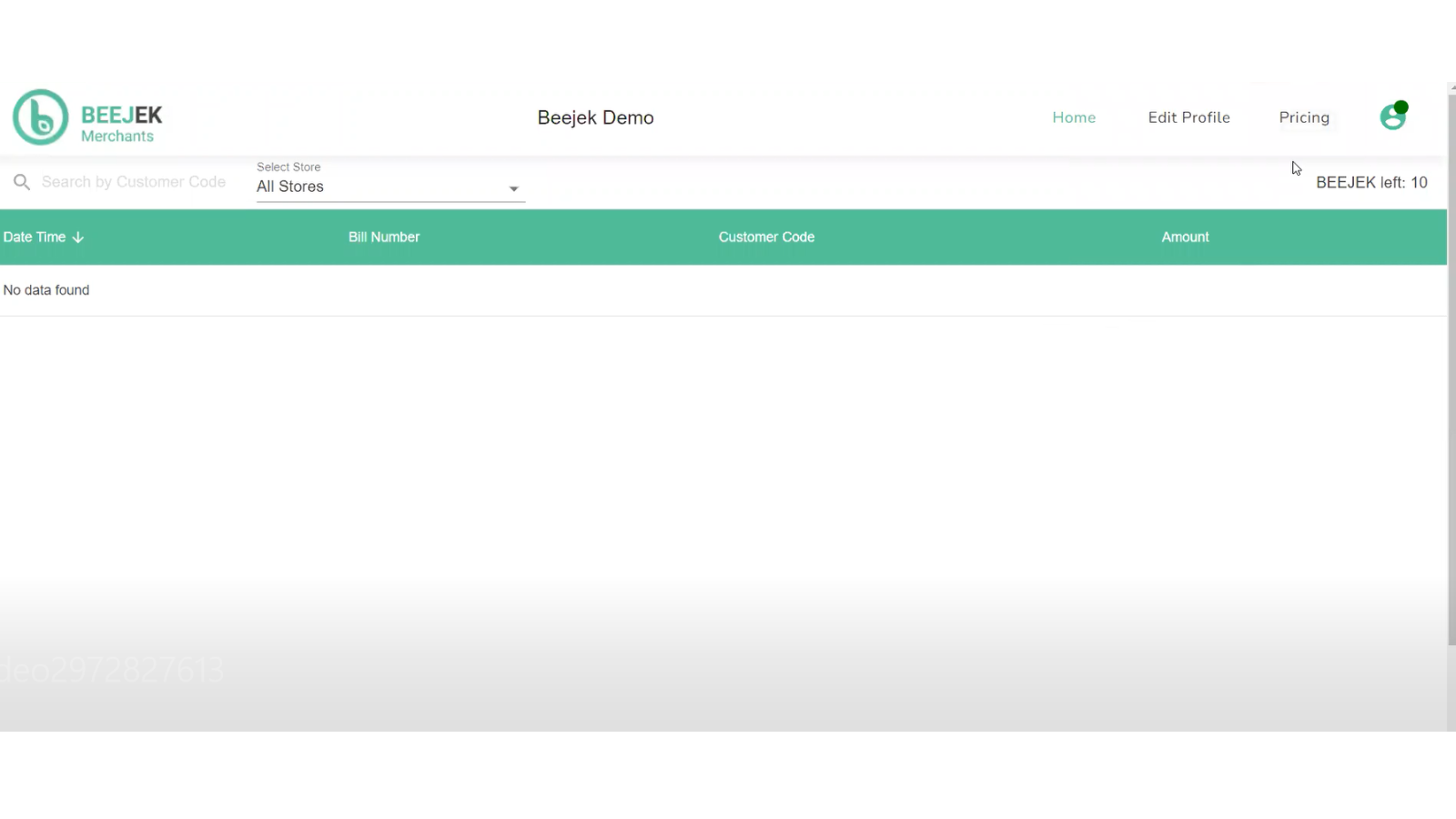
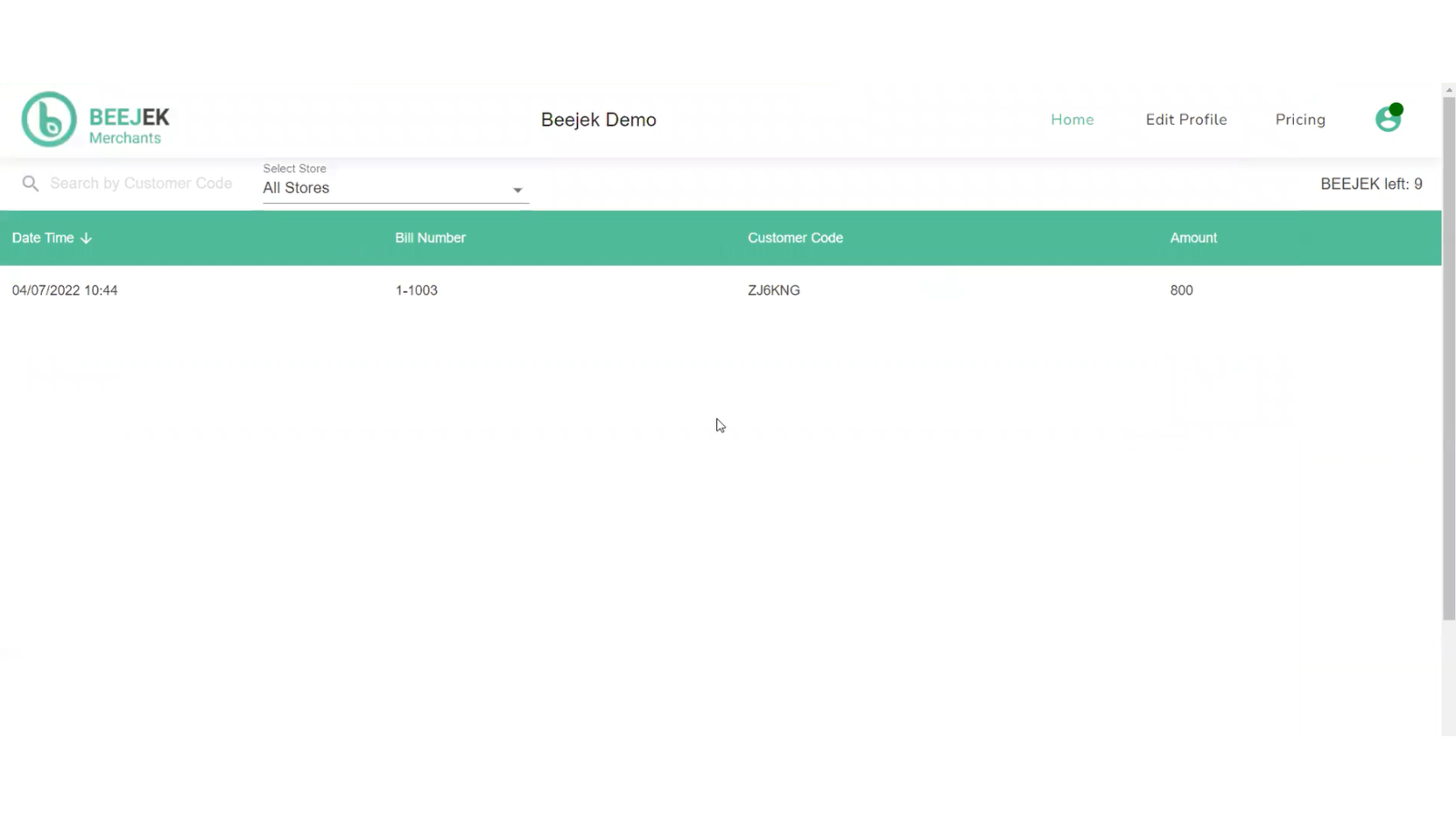
- Analytics dashboard tracks revenue, returning customers, and campaign results
- No app download required for customers, works with WhatsApp you already have
- Supports English, Arabic, and Spanish receipt templates
How to Get Started
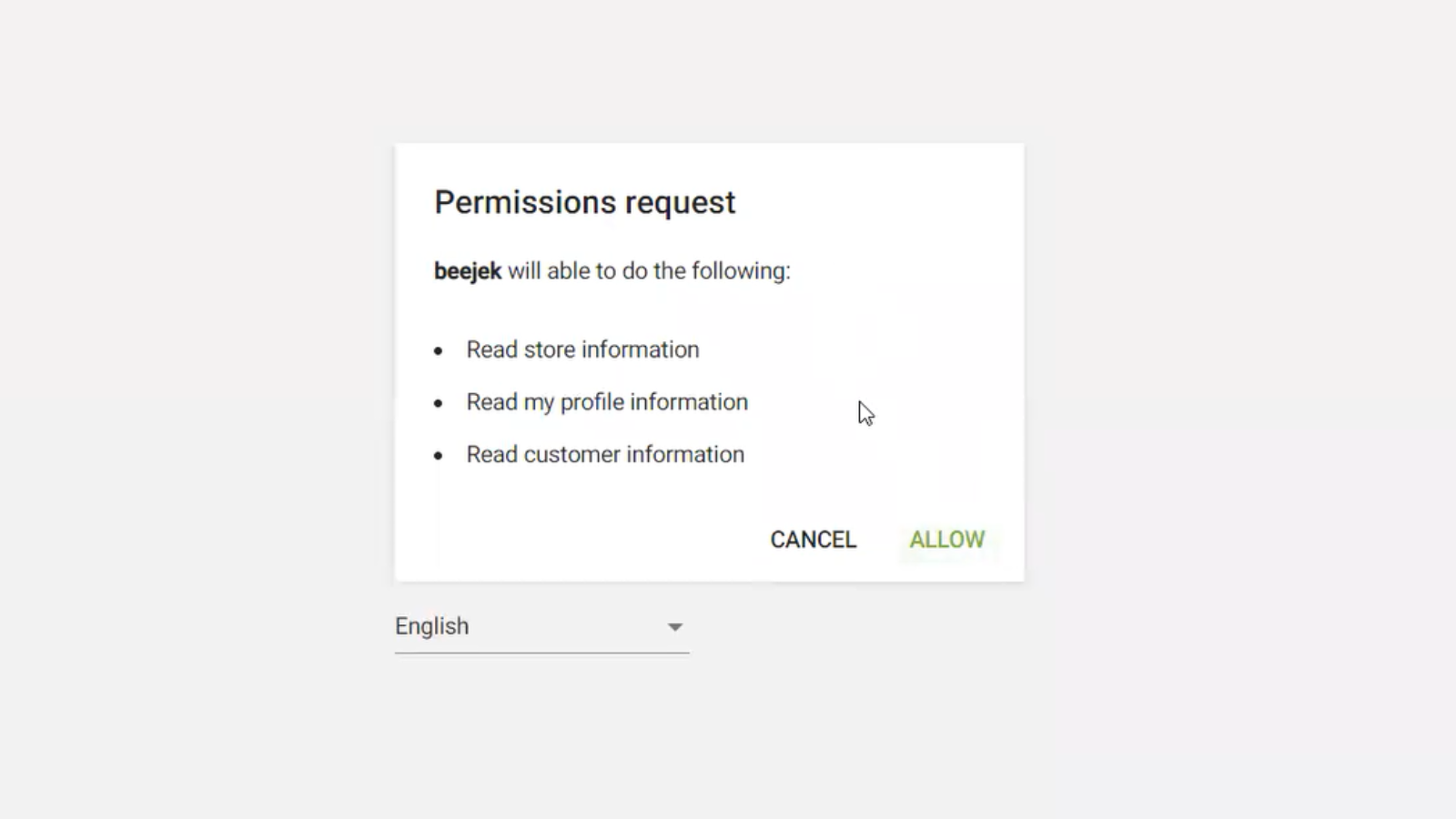
1. Click Connect App to begin authorising Beejek with your Loyverse account
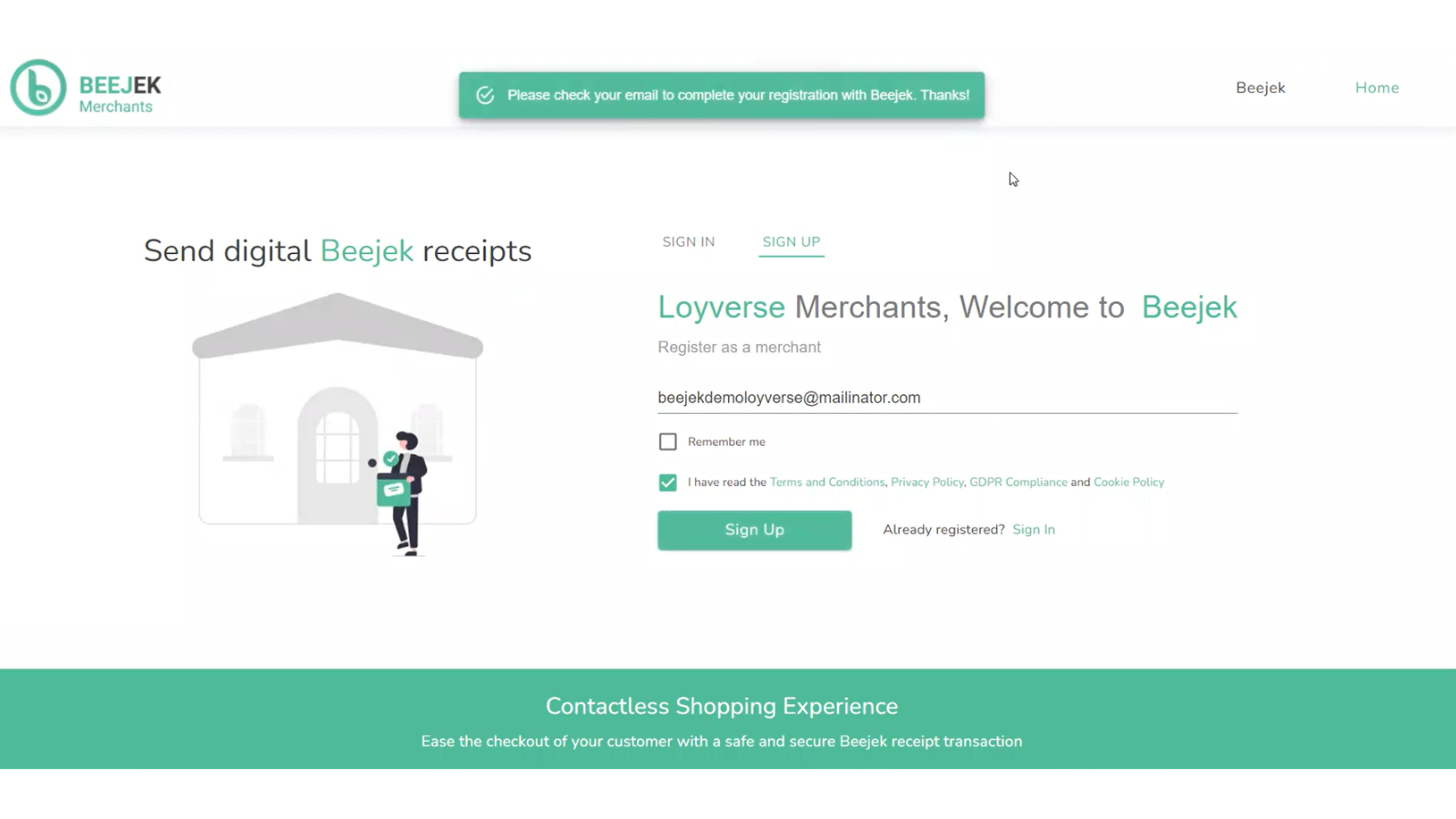
2. Create your Beejek account with your email and password
3. Connect your WhatsApp Business number (or use Beejek's shared number to get started immediately)
4. Beejek registers a webhook and begins sending digital receipts on every completed sale automatically
Data Flow
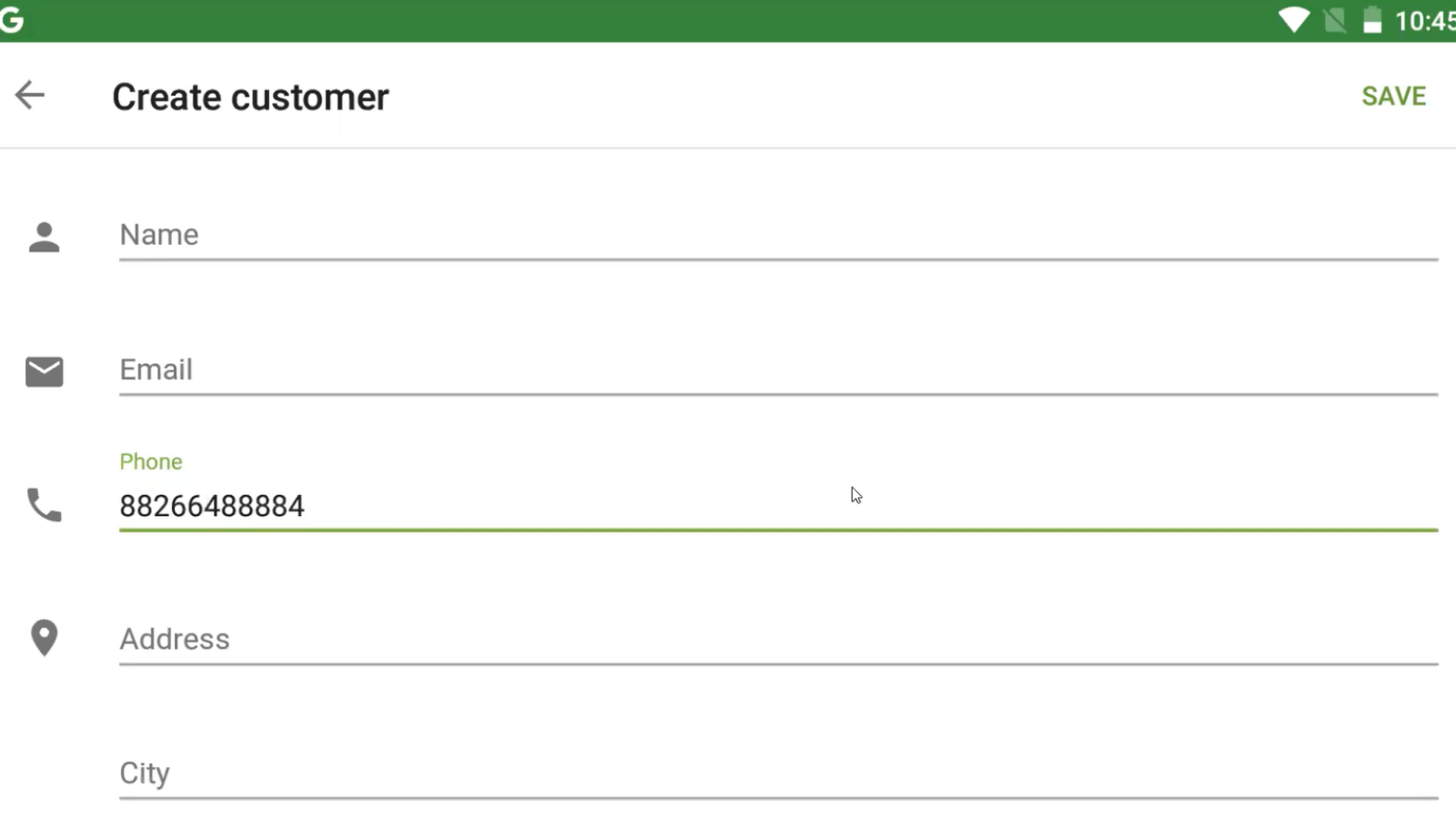
From Loyverse to Beejek: When a receipt is created or updated in Loyverse, Beejek receives the transaction data via webhook (receipts.update event). This includes customer name, phone number, purchased items, totals, taxes, and store details.
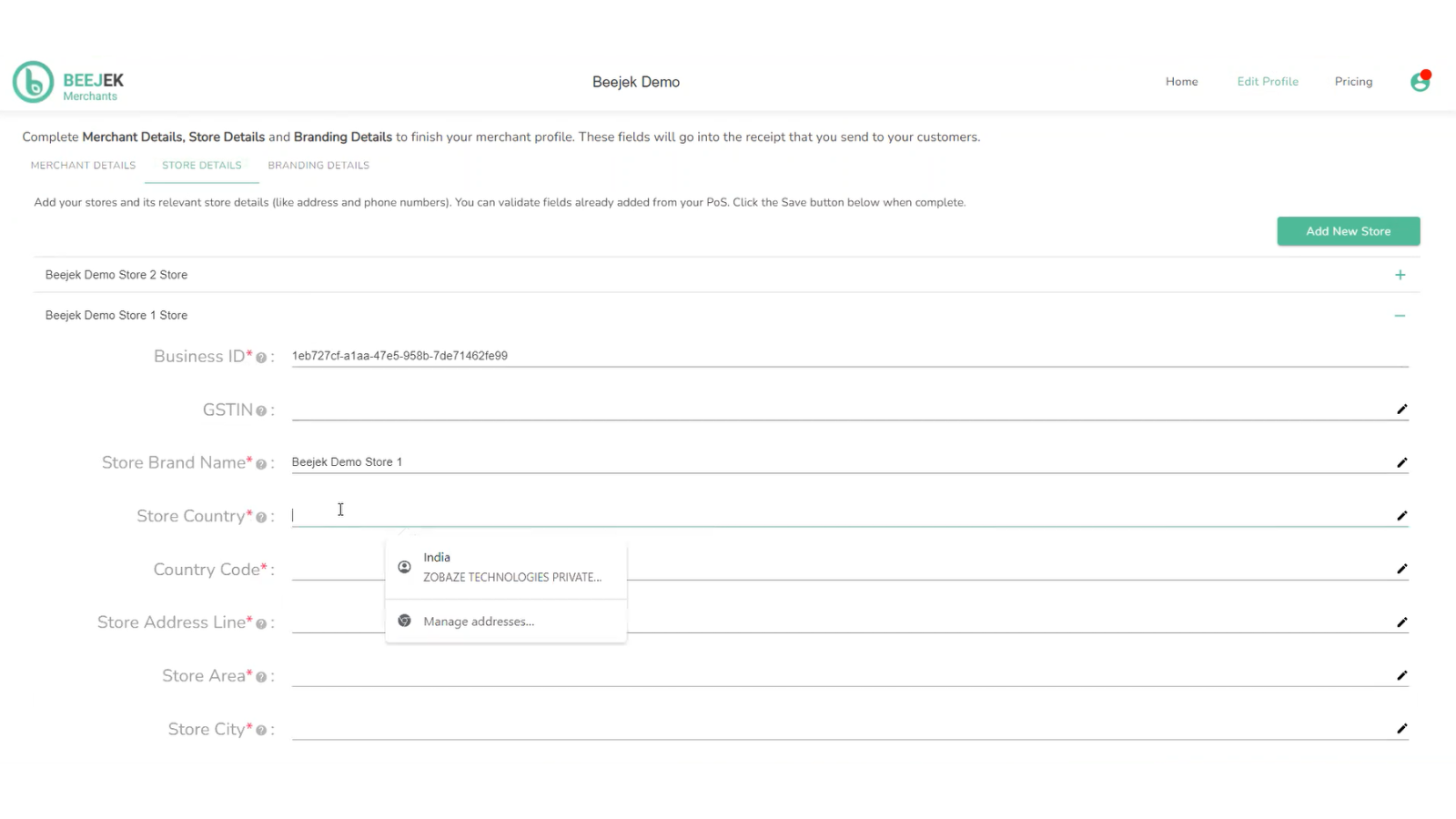
At signup, Beejek reads your merchant profile, stores, and customer list from Loyverse to configure your account.
No data is written back to Loyverse from Beejek.
Any queries?
Send an email to support@beejek.com
Screenshots
Pricing
Support
Legal